
Daily Operations
Tasks MSSP operators run against a live SocTalk install. If you haven't yet, read the MSSP UI Tour first, it catalogs every page referenced below.
Investigation queue
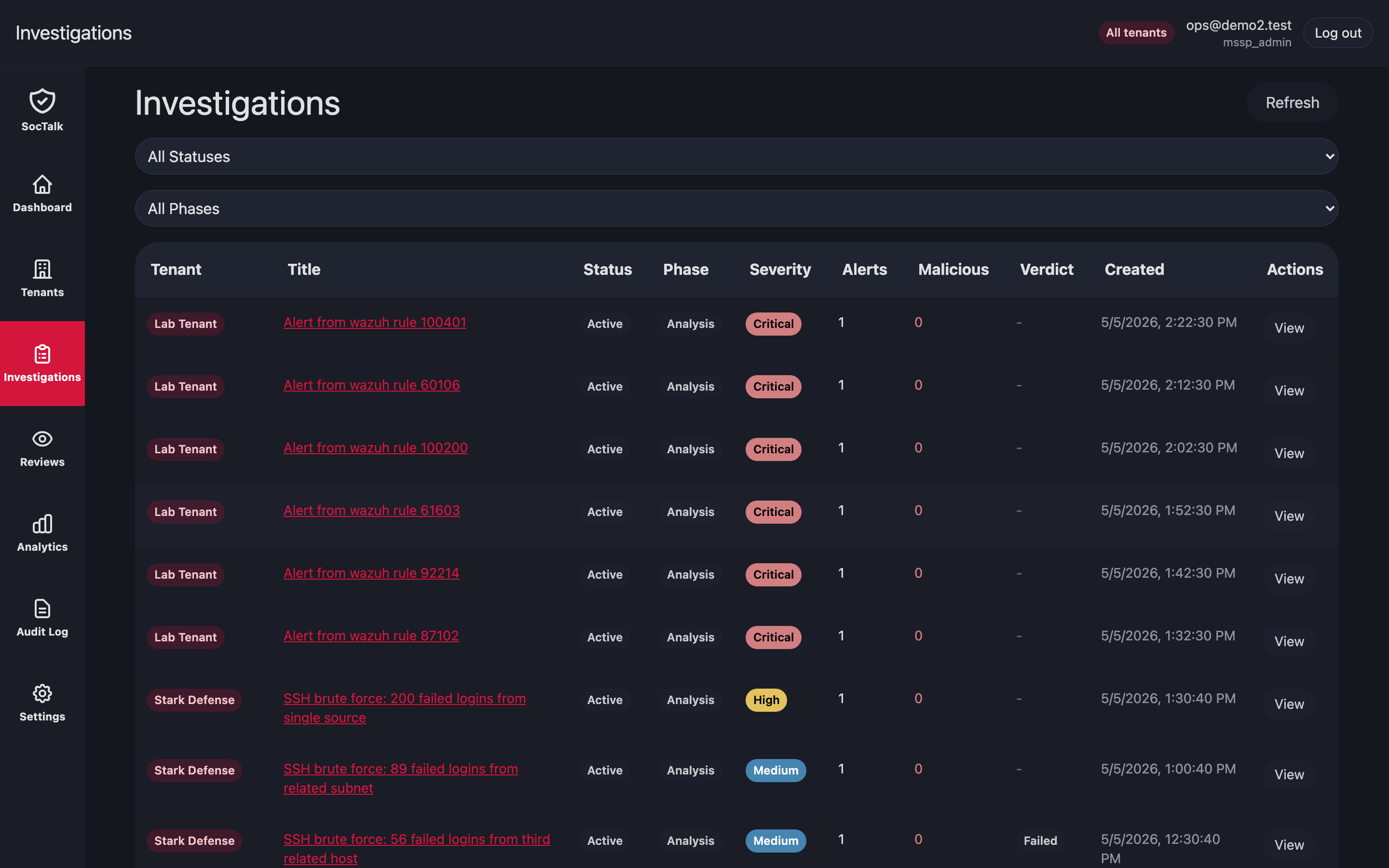
Open Investigations to see active cases for every tenant on one view. Filters: tenant, severity. Click a row for the case timeline, conversation, and proposals.
Proposal review queue
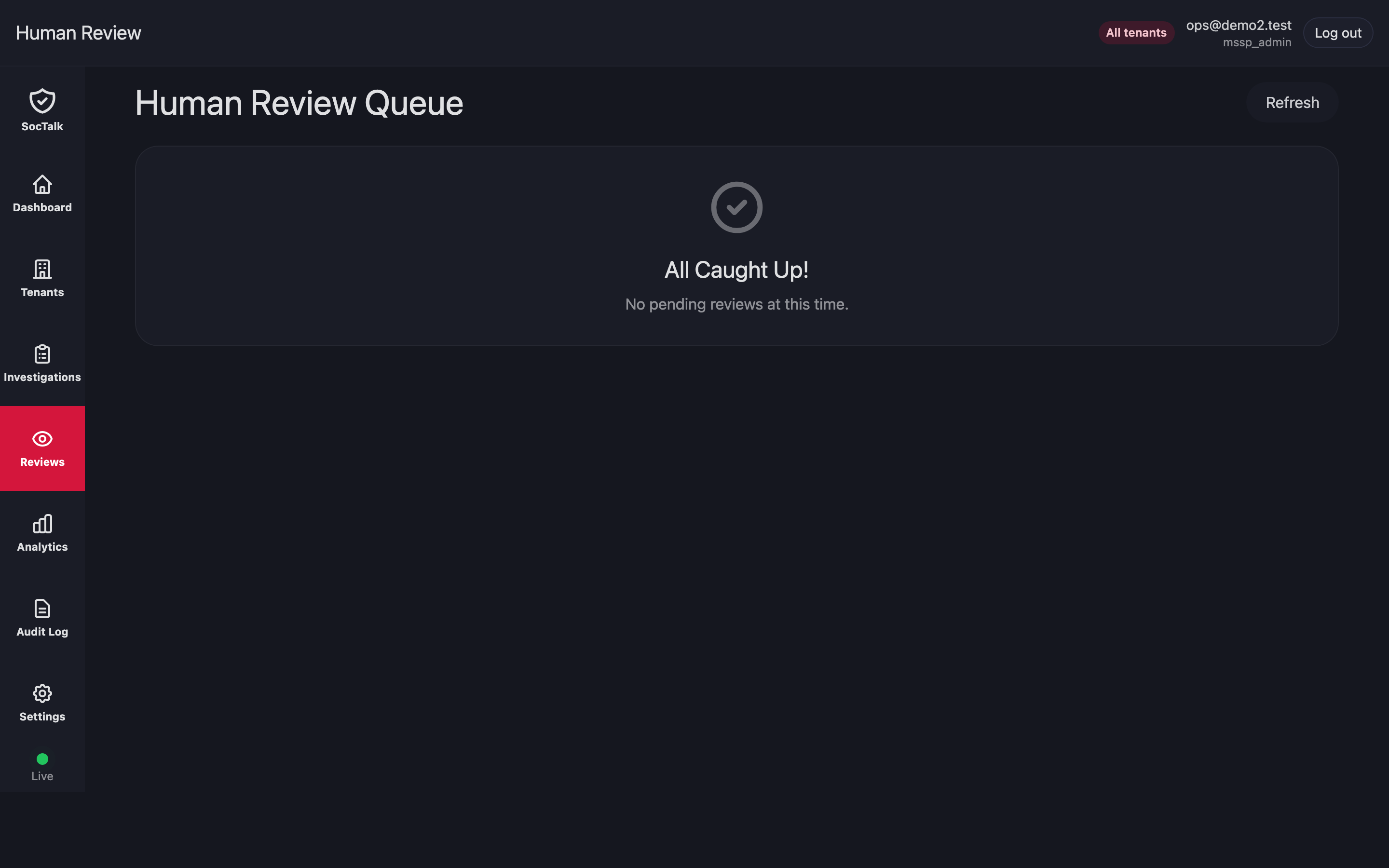
Reviews is the cross-tenant queue of AI proposals waiting on a human. Approve / reject / more-info each update the review row in the database (and the audit log). There is no outbox in V1, the executor / downstream notification pipeline is on the roadmap.
Tenant stuck in provisioning
Symptom: a new customer's tenant row sits in provisioning state for more than 15 min.
- Check the Helm release status:bash
helm status tenant-<slug> -n tenant-<slug> - Check pod events:bash
kubectl -n tenant-<slug> get events --sort-by=.lastTimestamp | tail -30 - Common causes:
StorageClassmissing or provisioner down → PVCs stuckPending. Provision storage;kubectl describe pvcshows the reason.- ResourceQuota too small for the Wazuh indexer request. Raise the tenant's ResourceQuota via
helm upgradewith new values. - Image pull failures → check registry auth and firewall.
If a provisioning attempt cannot recover, decommission and retry:
# From the MSSP UI: tenant detail → Decommission → force=true
# Or via API:
curl -X POST https://mssp.../api/mssp/tenants/<id>:decommission?force=true
Tenant in degraded state
degraded is set by the provisioning controller on a provisioning failure, or set explicitly via the API. There is no auto-degradation loop based on adapter heartbeat age in this release; the soctalk_tenant_adapter_heartbeat_age_seconds metric is for your alerting.
- Check the adapter pod:bash
kubectl -n tenant-<slug> logs deploy/soctalk-adapter --tail=200 - Check NetworkPolicy egress (adapter needs to reach
soctalk-systemAPI):bashhubble observe --from-pod tenant-<slug>/soctalk-adapter-<pod> - Restart the adapter:bash
kubectl -n tenant-<slug> rollout restart deploy/soctalk-adapter
If the data plane is healthy but the adapter still cannot reach soctalk-system, inspect the adapter-egress NetworkPolicy.
Rotate per-tenant LLM key
- MSSP admin → customer detail → Settings → LLM → paste new key → Save (or
PATCH /api/mssp/tenants/{id}/llm). - SocTalk's authoritative store is
IntegrationConfig.llm_api_key_plainin Postgres. The provisioning controller materializes that value intoSecret/tenant-llm-keyin the tenant namespace (mounted by the runs-worker Deployment) and optionally mirrors a reference intosoctalk-system/<tenant-id>-llmfor audit. - SocTalk best-effort restarts the
soctalk-runs-workerDeployment intenant-<slug>so the new key takes effect on the next investigation pick-up.
Rotate data plane bootstrap secrets
There is no soctalk-cli rotate-* command in this release, that path was documented in earlier drafts. Today:
- Wazuh admin password: patch the relevant Secret in the tenant namespace, then restart the affected pod. The chart's bootstrap rerun on pod start will pick up the new credential. TheHive and Cortex are external integrations, not bundled subcharts, so their credentials are rotated in those systems and updated via the integration config (see /integrate/thehive, /integrate/cortex).
- Wazuh
authdshared secret: patchSecret/wazuh-authd-secretintenant-<slug>, restart the Wazuh manager. All existing agents must re-enroll with the new secret; distribute via your normal secure channel.
A wrapper CLI for these rotations is on the roadmap.
Analytics
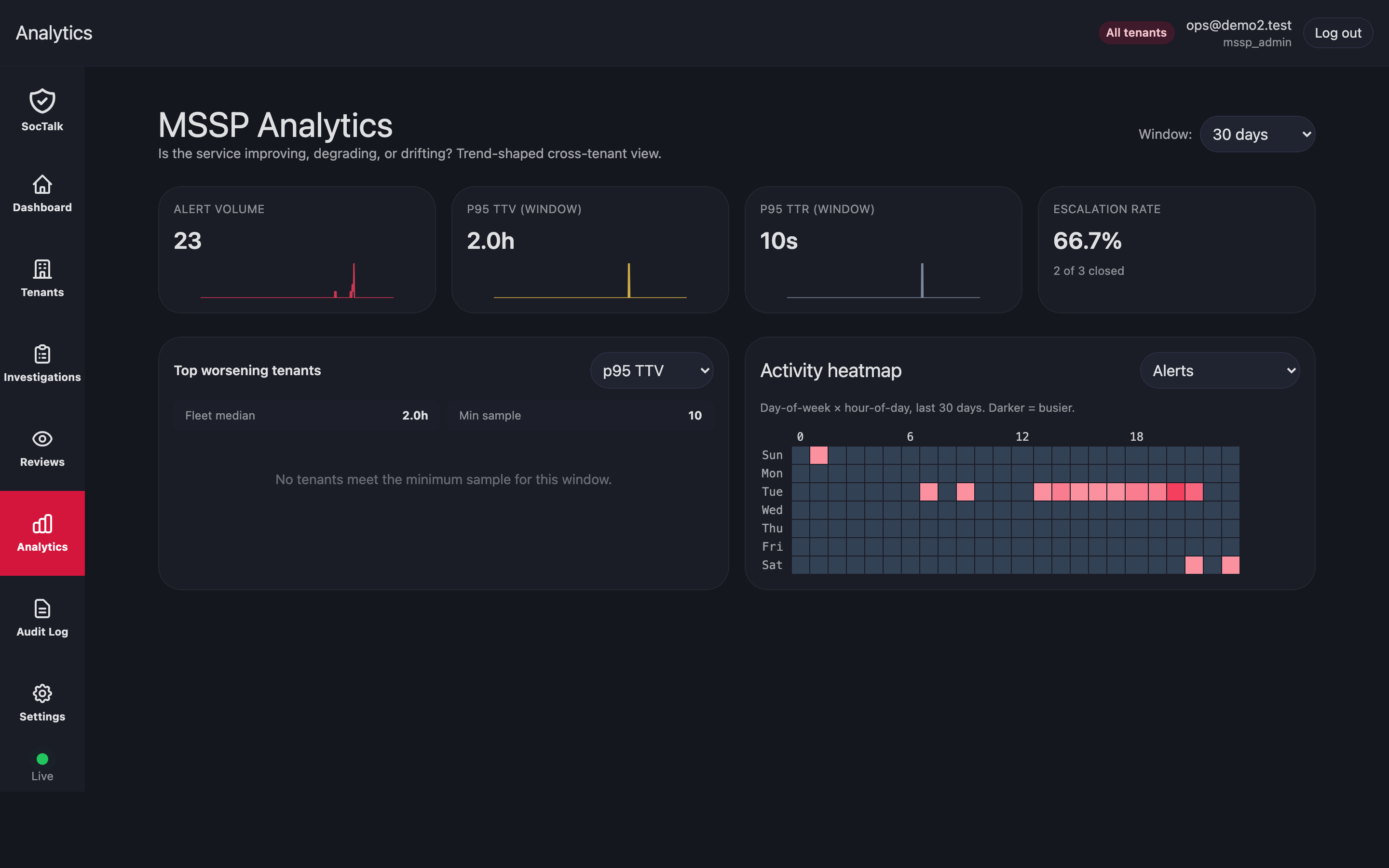
Analytics rolls up triage volume, proposal outcomes, MTTR, and budget burn per tenant. Use it for capacity planning, model evaluation, and SLA review.
Audit log review
MSSP-wide audit log lives in UI → Audit tab. Filter by tenant, actor, action, or timestamp. For compliance exports, use the API:
curl 'https://mssp.../api/audit?since=2026-01-01&tenant=<id>' > audit.json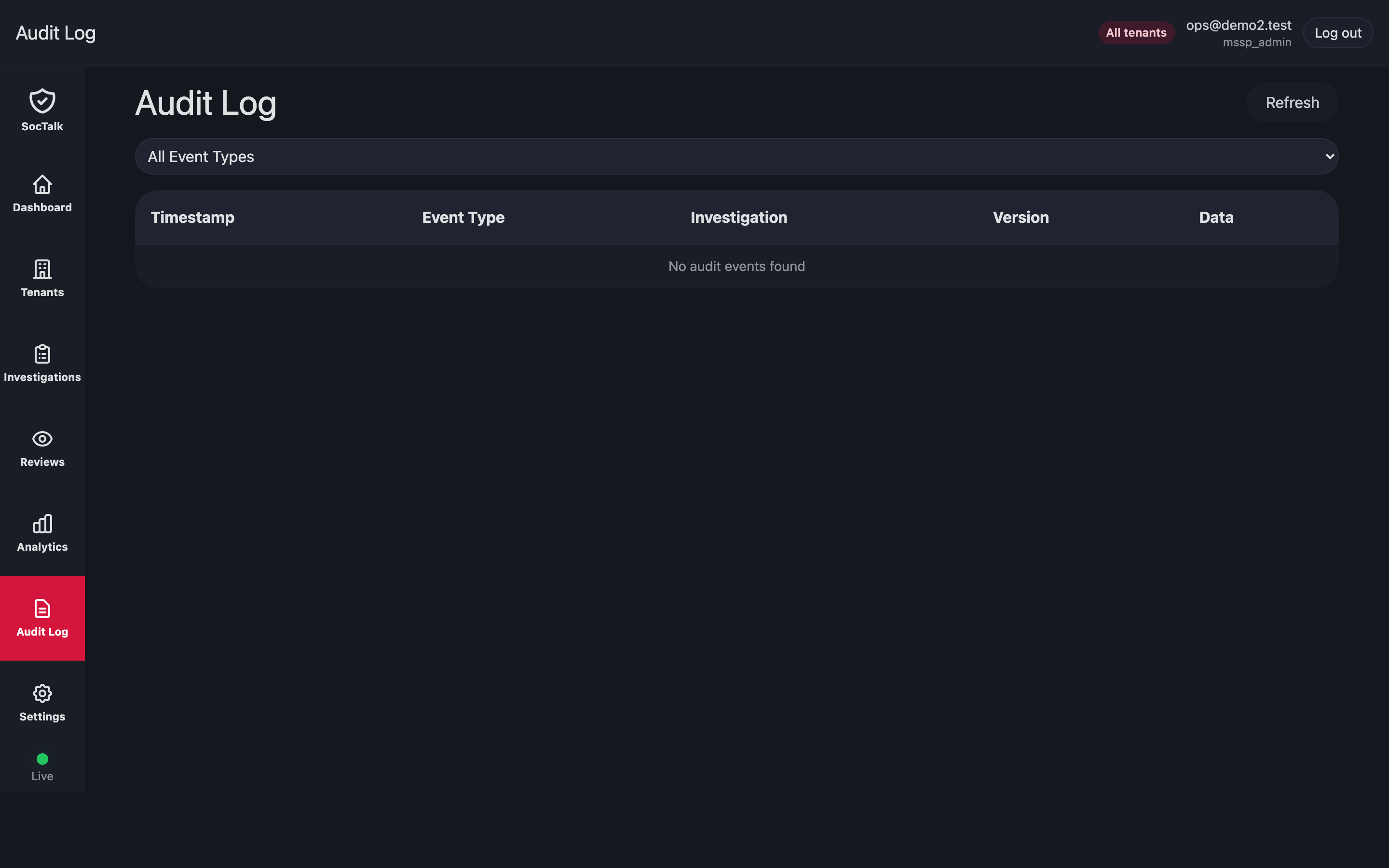
Database restore (disaster recovery)
Backups are MSSP-managed externally (Velero, cluster snapshots, external pg_dump). To restore:
- Stop the SocTalk API:bash(The V1 chart bundles the orchestrator into the API pod, no separate
kubectl -n soctalk-system scale deploy soctalk-system-api --replicas=0soctalk-system-orchestratorDeployment.) - Restore Postgres data from your backup.
- Restart the API:
kubectl -n soctalk-system scale deploy soctalk-system-api --replicas=2(or your normal replica count).
Tenant data plane PVCs follow the same pattern: restore per-namespace, then helm upgrade the tenant release to re-attach.
Emergency: disable a tenant immediately
The UI Suspend action in this release flips the tenant state to suspended and stops the orchestrator from scheduling new investigations, but it does not scale workloads. For an actual cut-off, run the steps below (scale all deployments + apply a deny-all NetworkPolicy as belt-and-braces):
# 1. Scale all workloads in the tenant namespace to zero. This is the
#    definitive stop — pods go away.
kubectl -n tenant-<slug> get deploy,statefulset -o name \
  | xargs -I {} kubectl -n tenant-<slug> scale {} --replicas=0

# 2. Belt-and-braces deny-all so anything that comes back up (e.g.,
#    from a stuck operator reconciling) is sandboxed.
kubectl -n tenant-<slug> apply -f - <<EOF
apiVersion: networking.k8s.io/v1
kind: NetworkPolicy
metadata: { name: emergency-deny-all }
spec:
  podSelector: {}
  policyTypes: [Ingress, Egress]
EOF
Reverse by deleting the NetworkPolicy, scaling workloads back up to their original replica counts, and calling Resume in the UI. Resume also only updates the DB state in this release, it won't restore replica counts for you.
Cross-tenant data leak suspicion
If you suspect cross-tenant access:
- Check recent RLS test suite runs; they pass in CI for every release.
- Probe the DB directly:bash
kubectl -n soctalk-system exec -it statefulset/soctalk-system-postgres -- \ psql -U soctalk_app -d soctalk \ -c "SET app.current_tenant_id='<tenant-a>'; SELECT tenant_id FROM events LIMIT 5;" - If a leak is confirmed, file a P1 incident. RLS plus
FORCE ROW LEVEL SECURITYis the last line of defense; an unpatched leak indicates an application bug or a Postgres role misconfiguration.
Common mistakes
- Running migrations as
soctalk_app. Migrations needsoctalk_admincredentials; undersoctalk_appthey fail. - Editing
soctalk-tenantvalues directly in Helm. This bypasses SocTalk's database state; go through the API. - Creating
tenant-*namespaces by hand. The required labels won't be there and SocTalk won't recognize the namespace. Use the tenant-create flow.